Data-Driven Decisions: Leveraging Power BI for Construction Analytics
In an industry where margins are thin and delays are costly, construction professionals need more than gut instinct—they need data-driven insights. Microsoft Power BI has emerged as a game-changing platform for construction analytics, transforming raw project data into actionable intelligence. From tracking project health to optimizing resource allocation, Power BI empowers construction firms to make informed decisions that directly impact their bottom line.
Key Statistic
Construction companies using advanced analytics report 15% improvement in project profitability and 20% reduction in budget overruns.
Why Power BI for Construction?
Construction generates massive amounts of data—project schedules, budgets, RFIs, submittals, change orders, quality inspections, safety reports, equipment utilization, and labor hours. This data typically lives in disparate systems: accounting software, project management platforms, BIM tools, timekeeping apps, and spreadsheets. Power BI excels at connecting these data sources, creating a unified view of your operations.
What makes Power BI particularly valuable for construction is its ability to handle complex relationships between data points. Project costs need to be analyzed by phase, by cost code, by subcontractor, and over time. Schedule data needs correlation with weather patterns, labor availability, and material deliveries. Power BI's data modeling capabilities allow construction professionals to slice and dice information in ways that reveal hidden insights and opportunities.
Essential Construction Dashboards
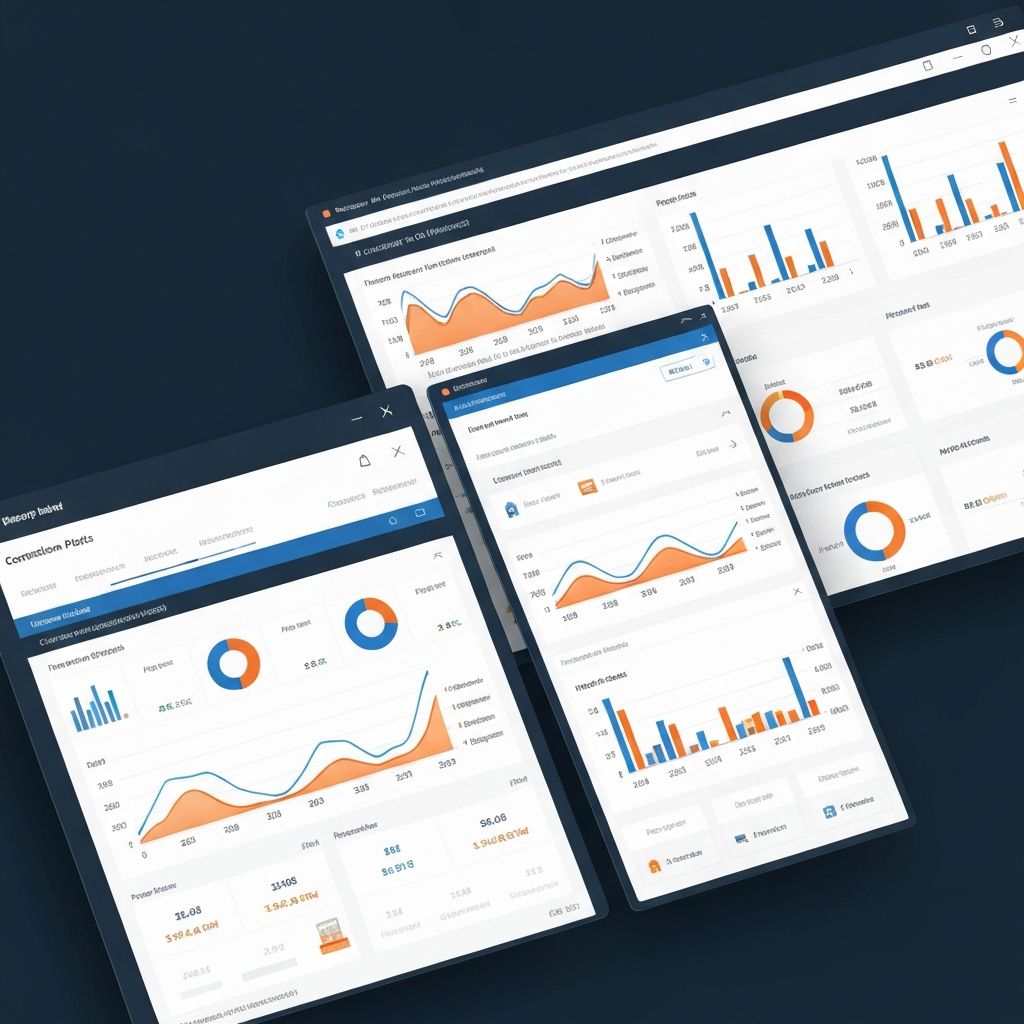
A well-designed executive dashboard provides leadership with real-time visibility into portfolio health. Key metrics include project status indicators, budget variance, schedule performance index (SPI), and cash flow projections. Visual elements like RAG status (Red-Amber-Green) allow executives to quickly identify projects requiring attention.
Project managers benefit from detailed operational dashboards tracking daily progress, productivity rates, and resource utilization. These dashboards can display earned value metrics, show critical path activities, highlight pending approvals, and flag potential risks based on trending data. The ability to drill down from high-level summaries into granular details enables quick investigation when anomalies appear.
Executive KPIs
- • Portfolio profitability overview
- • Cash flow and billing status
- • Resource capacity planning
- • Safety incident trends
- • Client satisfaction scores
Project Manager Metrics
- • Schedule variance analysis
- • Budget vs. actual tracking
- • RFI and submittal status
- • Quality inspection results
- • Subcontractor performance
Advanced Analytics Capabilities
Power BI's true power emerges when you move beyond simple reporting into predictive analytics. By analyzing historical project data, you can develop models that predict project outcomes with surprising accuracy. Machine learning algorithms can identify patterns that indicate a project is likely to experience delays or cost overruns, allowing proactive intervention.
Forecasting becomes more sophisticated with Power BI's built-in analytics features. Construction firms can project future resource needs based on current pipeline and historical productivity rates. Financial teams can model cash flow scenarios considering payment terms, retainage, and project phasing. These forecasts help optimize bidding strategies and resource allocation.
Benchmarking across projects reveals best practices and identifies improvement opportunities. Compare similar projects to understand why some deliver better margins or complete faster. Analyze subcontractor performance across multiple projects to make data-driven selection decisions. Track how different project teams perform to identify top performers and training needs.
Integration with Construction Systems
Power BI's strength lies in its connectivity. It integrates seamlessly with major construction management platforms like Procore, Autodesk Construction Cloud, and Oracle Primavera. Financial data flows from systems like Sage, Foundation, or Viewpoint. Time tracking data comes from platforms like TSheets or ExakTime. Document management systems like SharePoint feed in submittals and RFI data.
This integration means data updates automatically—no more manual spreadsheet updates that become outdated hours after creation. Project managers see real-time status without waiting for weekly reports. Executives make decisions based on current information rather than last month's numbers. The time saved on manual reporting allows teams to focus on analysis and action rather than data compilation.
For organizations with custom databases or legacy systems, Power BI's flexible connectivity options ensure no data source is left behind. SQL databases, REST APIs, Excel files, and even data stored in the cloud or on-premises can feed into your analytics environment.
Common Integration Sources
Project Management
- • Procore
- • Autodesk BIM 360
- • Oracle Primavera
- • Buildertrend
Financial Systems
- • Sage 300 CRE
- • Foundation Software
- • Viewpoint Vista
- • QuickBooks
Field Data
- • TSheets
- • Raken
- • SafetyCulture
- • PlanGrid
Implementing Power BI Successfully
Success with Power BI starts with clearly defining what questions you need answered. Don't try to build comprehensive dashboards covering everything at once. Instead, identify your most pressing business challenges—perhaps estimating accuracy, project profitability, or safety performance—and build targeted solutions.
Data quality is paramount. Before building dashboards, ensure your source systems contain accurate, consistent information. Standardize naming conventions, establish data entry protocols, and implement validation rules. Remember: garbage in, garbage out. The most sophisticated analytics won't help if underlying data is unreliable.
Involve end users throughout the development process. Project managers, superintendents, and estimators bring domain expertise that ensures dashboards provide truly useful insights. Iterate based on feedback, refine visualizations for clarity, and ensure reports answer real business questions rather than just displaying data.
Training is essential. Even intuitive dashboards require some learning curve. Provide hands-on training sessions, create reference guides, and designate Power BI champions who can help colleagues interpret data and troubleshoot issues. As users become comfortable with basic dashboards, gradually introduce more advanced features.
The Competitive Advantage
Construction firms that embrace data analytics gain significant competitive advantages. Better forecasting leads to more accurate bids—competitive enough to win work but profitable enough to sustain the business. Faster identification of project issues allows early intervention, preventing small problems from becoming expensive disasters.
Power BI transforms construction from a reactive to proactive industry. Instead of discovering problems through monthly reports, you identify trends in real-time. Instead of relying on assumptions, you make decisions based on data. Instead of treating each project as unique, you apply lessons learned across your entire portfolio. In an industry where success depends on controlling countless variables, Power BI provides the visibility and insights needed to build better, faster, and more profitably.
Ready to transform your construction data into strategic insights? Explore our analytics consulting services and discover how we can help you implement Power BI for data-driven decision making.